Waveform Camera iOS

The small app I had been working on is now available in the Apple Appstore for iOS, this app takes a photo with your camera or from the photo library, and interprets that image as audio – the primary use case is to turn images of audio waveforms back into audio (but it will have a go at any image given to it!).
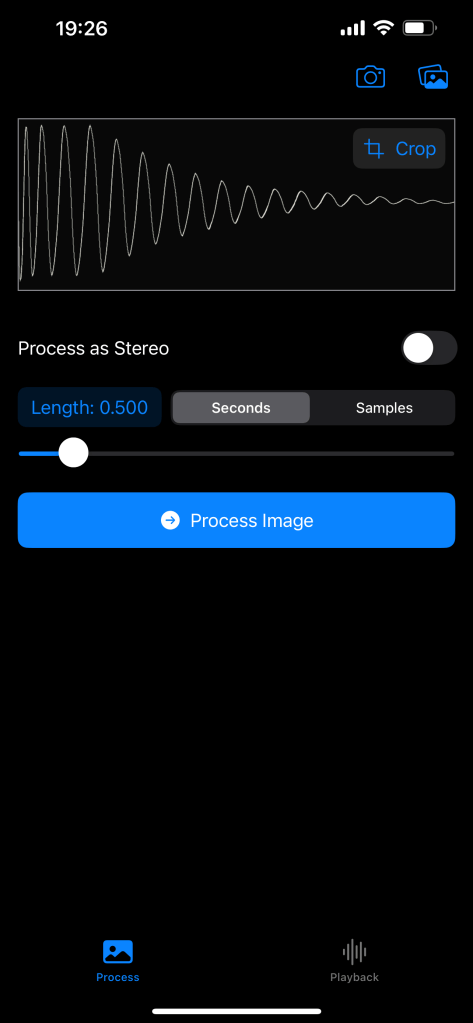
 

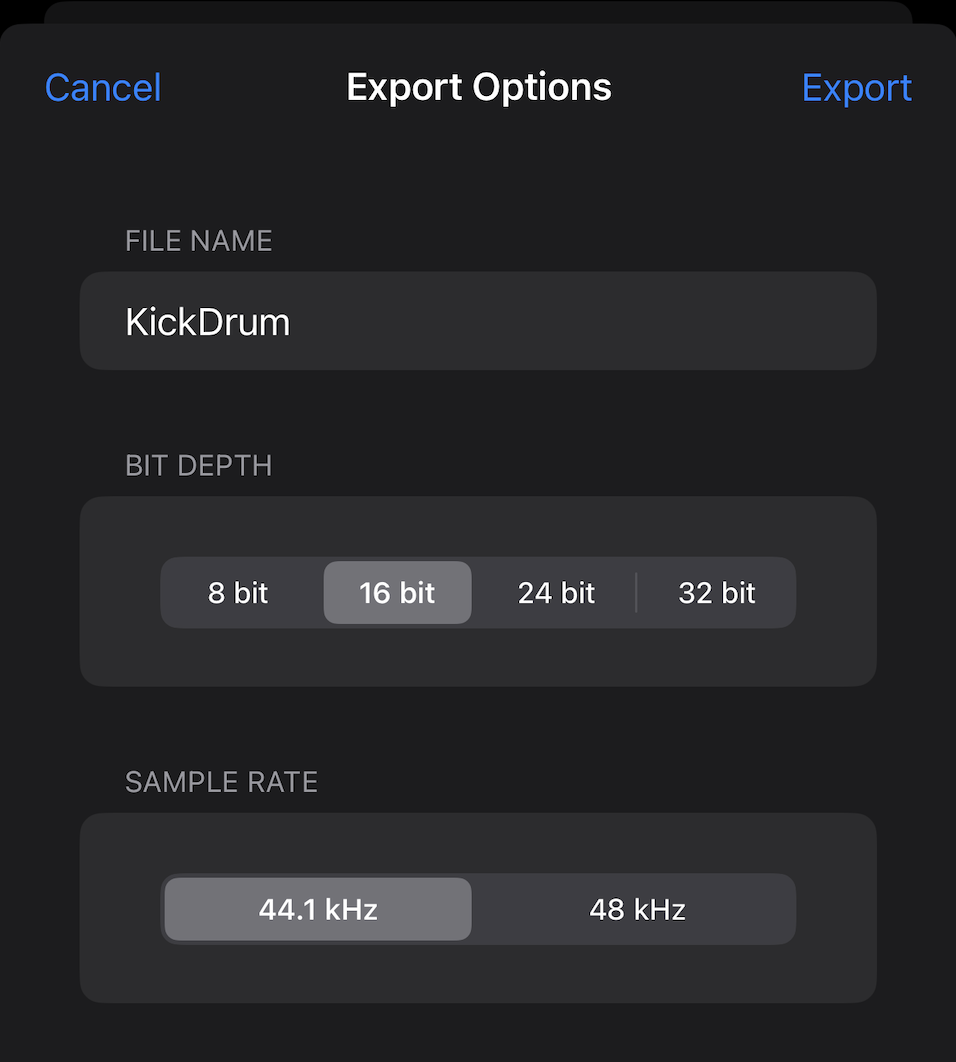
The result is a distinctly lo-fi sound, or suitable sample fodder from hand-drawn single cycle waveforms, which can be exported as wav files for use in other audio applications.
Available on the Apple Appstore
https://apps.apple.com/us/app/waveform-camera/id6754341519

DigiChain v1.4.16

Update to v1.4.16 – bug fix release and a few new selected actions such as shift and file name sanitization and the groundwork for the OP-XY drum patch creation that will be coming soon in the next release.

  • Nudge Crossings selected action, nudges all zero crossings off from zero.
  • Pad with Zero selected action, adds a zero sample to the beginning and end of each file.
  • Shift selected action, moves the sample start position over 50%.
  • Fixed bug where resampling the list when changing the working sample-rate caused the loop point to be set on .ot slice metadata.
  • Support for reading slice data from the Sonicware LoFi-12 XT custom header data.
  • Added common configurations for Sonicware LoFi-12 XT (12/24 kHz target sample rate).
  • Added common configurations for Teenage Engineering EP-133 / EP-1320 mono/stereo.
  • Fixed some browser specific UI element positioning quirks.
  • Added de-serialize from mono L/R back to a stereo sample selected action (halves a mono sample and puts the first half on the left channel, second half on the right).
  • Prevent slicing by transient assigning an ot meta loop point flag.
  • Added button to set a custom slice count on the slices panel.
  • Change default chain names to not contain _ or [ ] chars.
  • Turn off embed slice data config option by default.
  • Use Cue markers as preferred slice data storage within the wav file data.
  • Minor wav encode bug, the cue chunk size property should be 8 bytes less than the total chunk byte length, not 4.
  • Turn on/off .ot file export options when choosing the ot common configuration on the audio config panel.
  • Add OP-XY to common configurations, as this uses wav files as the primary file type.
  • Sanitize Names selected action to format file names to align with the guidelines for successful MTP transfer to Teenage Engineering OP-XY filesystem.

https://digichain.brianbar.net/

DigiChain is also available to run from itch.io as of v1.4.16

DigiChain v1.4.15

Update to v1.4.15

  • Amplitude threshold condense selected action, enter an upper and lower amplitude value (between 0 and 1), the sample will be modified to only include amplitudes within the given range, gaps between the audio is removed condensing the sample size.
  • Ctrl + Click on Filename column header to sort the list by numeric filename content only.
  • Improved drop file order consistency.
  • Allow dropping mp3 files.
  • If sample has slice information, the slices will be shown on the waveform when the slice panel opens.
  • Support multi-touch for selecting/deselecting samples.
  • Minor UI bug fixes, scaling, responsiveness improvements on button interactions.

DigiChain v1.4.12 released

Just in time for the launch of the Digitakt II, DigiChain gets a point update with a few bug fixes and feature updates.

  • Added Double selected action to add a copy of a sample to the end of itself for the selected samples.
  • Prev / Next buttons on the edit panel to navigate between samples without needing to close the edit panel and re-select from the list.
  • Cleaned up selected actions list, added overflow so list can scroll on mobile and flex to the width of the panel.
  • Shift + Ctrl/Cmd click stretch longest/shortest selected action to set the stretch length in samples instead of seconds.
  • Shift + Click on Trim Right button in editor, or selected actions, to also trim silence from the start (left) of the sample.
  • Changed the behavior of the grid size buttons, clicking will now set the grid size and keep the selection, to also change the selection is now the shift+click action; This is inverted from other versions, but has been a requested change by several users.
  • Shift + L will toggle the lists visibility, useful for simple chaining/conversion if loading a large number of files that can cause the browser dom rendering to slow.
  • Hide ‘Create .OT’ button on sample panel if target SR is not 44100.
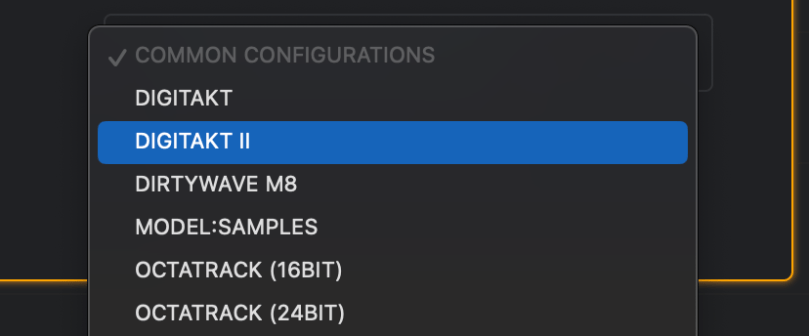
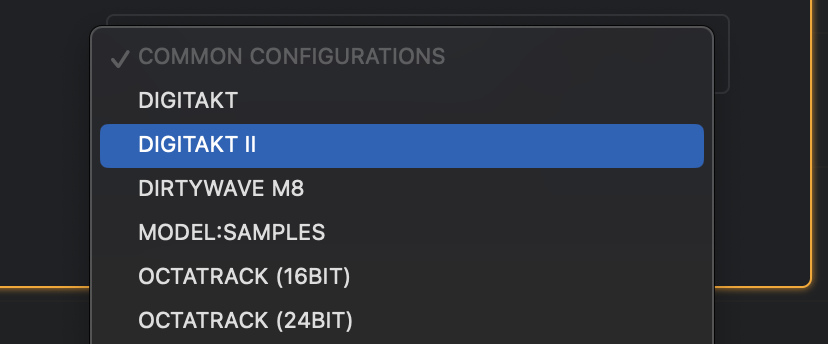
  • Added common configuration for Digitakt II.

https://digichain.brianbar.net/

Making some music

I’ve always been interested in music, and have on and off played guitar, keyboard, and various other instruments over the years – just never particularly well or long enough to release anything. This year, I decided that I would try to actually make some music I would listen to (and hopefully others!), so I picked up a PreSonus StudioOne upgrade to Pro from the “Artist” version that came free with my external sound card (an AudioBox 96).

My first tune, though not great – isn’t too bad:

My second tune is all based on a running joke at work and was a little more upbeat and lo-fi (mostly due to the quality of the vocal samples I used).

So far, I’m having fun making this stuff – even if nobody listens; and it’s quite the stress reliever after a busy day of programming!