v1.4.10 is now live on the main url
- .xrns file contents parsing (useful for getting the samples out of a Renoise project file).
- Parse the Renoise song data from within project files and extract slice markers.
- When slicing from OP-1 Field tape.json, prevent the ot slice loop point CSS class being applied.
- Drag-out single file from list (Chrome).
- Option in settings to reverse all even samples in an exported chain (back-to-back mode).
- Snap to zero-crossing toggle option on selections on edit panel.
- Visual zero-crossing indicator on edit panel selection start and end points.
- Surface tempo detection method to the edit panel to detect from the currently selected section of the waveform.
- Fixed regression on .ot file generation not correctly setting the quantize value default to ‘direct’ instead of ‘pattern length’.
- Fixed bug when setting slice-grid options from the audio settings panel.
- Added keyboard shortcuts info pop-up (
Shift + ?/Shift + K).
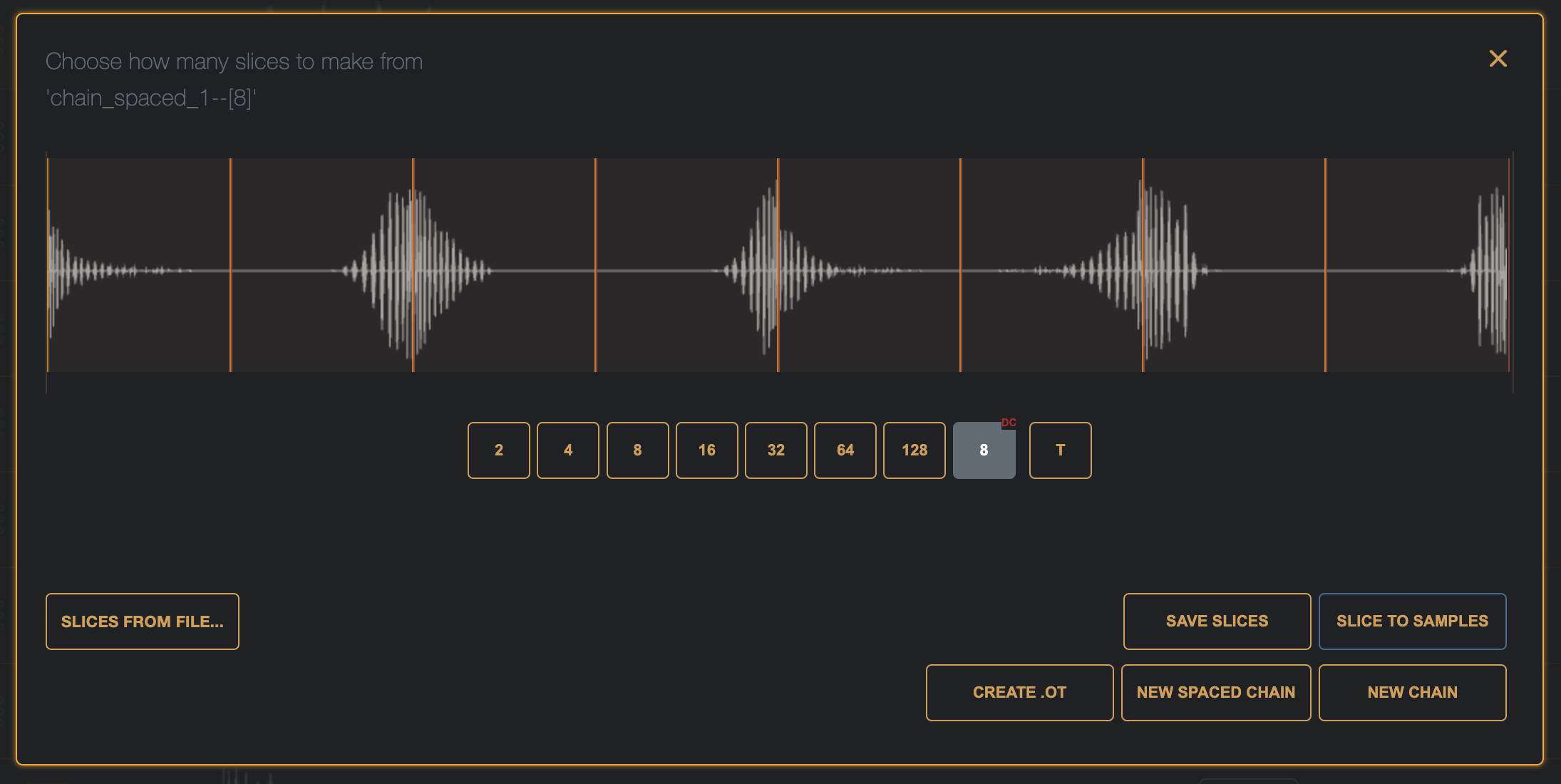
The new setting, ‘Reverse all even samples in a chain”, in the Settings panel will apply the ‘back-to-back’ operation to all chains created when set to ‘Yes’.

e.g., with this turned on, a chain of 8 kicks shows the even numbered slices reversed.
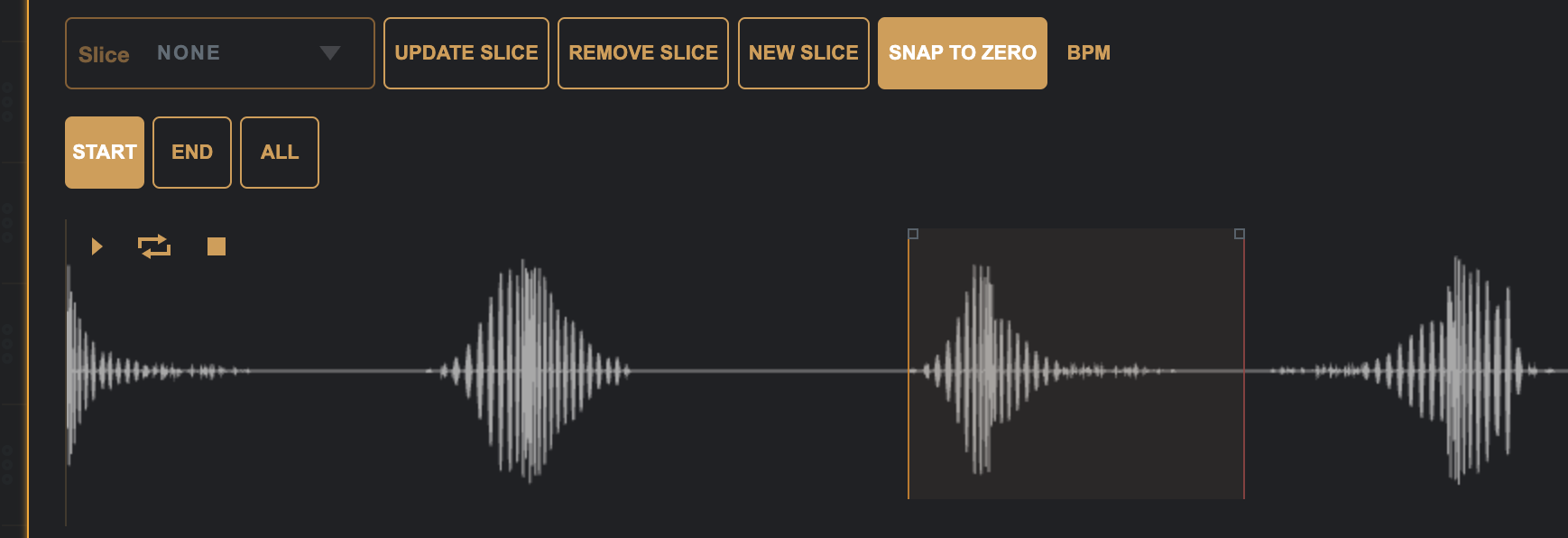
There is a new ‘Snap to Zero’ toggle button in the edit panel which toggles the start/end point selecting to snap to zero, zero crossing selections get a little indicator square on the selection lines.
A few bug fixes, and the keyboard shortcuts list can now be viewed from inside the app in a pop-up modal with the Shift + K or Shift + ? shortcuts.
And Renoise project files can be dropped in to get the audio files out of them along with any slice data that was created with the Renoise sample editor slicer.
 brianbar.net