I’ve been making a living as a software/web applications developer for quite a few years now, hopefully I’ve picked up a thing or two.
I’m primarily a front end developer working with the modern web and JavaScript, and make mainly healthcare and financial applications with tools such as Angular (latest), TypeScript, and RxJS – with a particular passion for user interface design and user experience considerations.
I was also forced to grow a beard so as not to feel like the odd one out at conferences and meetups.
This release fixes a few bugs, extends the custom dialog controls in the application, and fixes an issue where the dropped file order did not reflect the order in the macOS’s finder window.
Corrected inconsistent import ordering in macOS file drops.
Changed sort by filename header sort to include the folder path value in sort, this results in folders being grouped together in the list.
Set Folder selected action to change the folder path for the selected files, starting the new path with ‘/’ will prepend the new path to the existing path of each file.
Added support for data list options on dcDialog modal input.
Fixed bug where for shift+click input for crush, stretch, and pad actions, when the user clicked the cancel button, the default non-shift action was applied to the selected samples.
The web url is live with this update, and both itch and gumroad binary distributions have been updated.
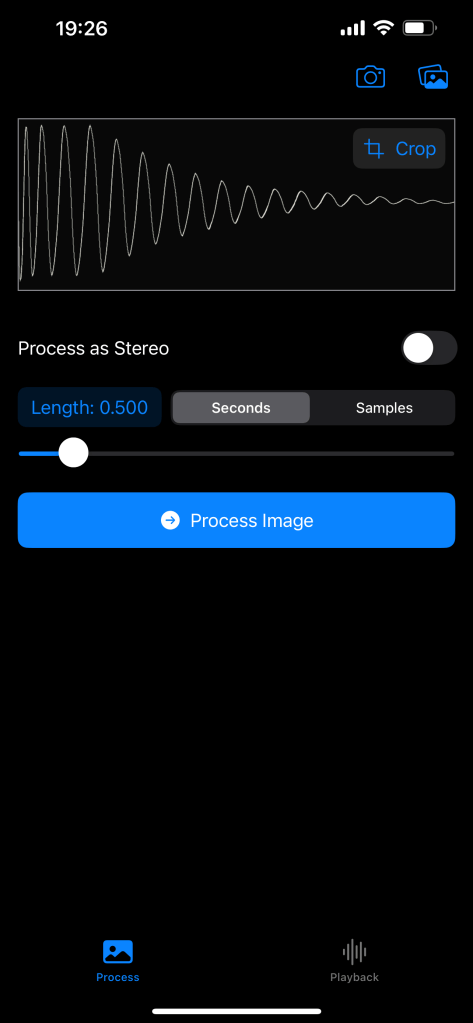
The small app I had been working on is now available in the Apple Appstore for iOS, this app takes a photo with your camera or from the photo library, and interprets that image as audio – the primary use case is to turn images of audio waveforms back into audio (but it will have a go at any image given to it!).
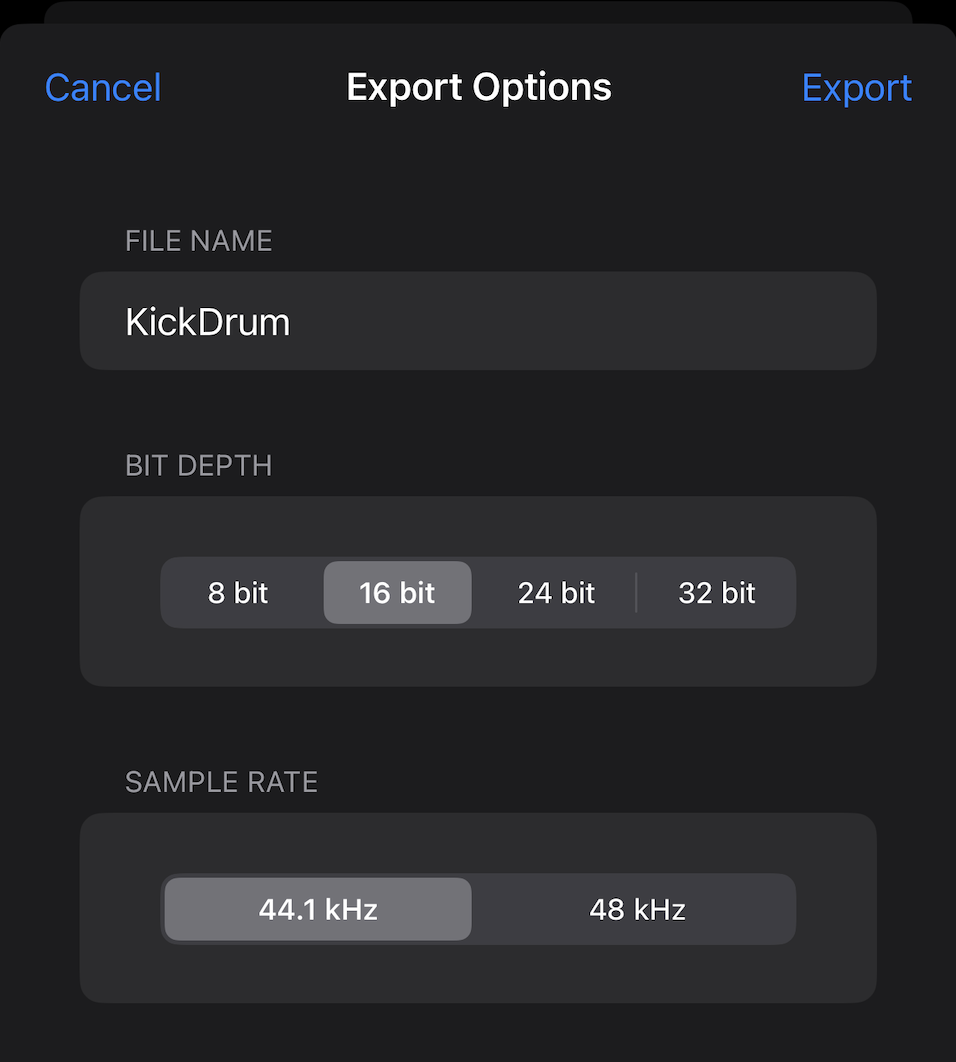
The result is a distinctly lo-fi sound, or suitable sample fodder from hand-drawn single cycle waveforms, which can be exported as wav files for use in other audio applications.
I have published the desktop builds of DigiChain to the itch.io project page.
Builds for macOS Intel and Apple Silicon, and a build for Windows Intel tracking the 1.5.1 web app release.
The Apple builds are the app bundle in a zip file, just extract that to the Applications folder (or wherever else you’d like to put it), the Windows build is an msi installer, which will install to Program Files along with an uninstall registration.
For the desktop builds, all items exported from DigiChain will be stored into the system defined Downloads folder, I’m looking at making this user selectable, but this does appear to work best and reduces security popups on Windows especially.
Let me know if you find any issue with these builds, they work offline and don’t require an internet connection, although any updates will need to be manually done with them being completely offline.
Small-ish update, desktop standalone will be released from this version for beta testing towards the end of September – this will be distributed via Gumroad and itch.io, macOS will come first followed shortly by the Windows 11 build.
We have some basic Tonverk support in this release, using the multi-sampler format to hold the sample chains, I have set the default grid lengths in the common configurations to max out at 84 slices, as this uses only the 7 standard octave options without needing to dip into the Transposition to get to the first slice. I have a strong feeling the elmuti format will get expanded for what it is able to support over from the sfz open format and I’m noodling on a focused tool just for this, at least for my own use – this may or may not be made public at some point depending on how far along I get it.
List of changes:
Added support for importing slice data from Ableton Simpler (supporting transient detected slices or manual slices depending on what was active when the .adv preset was saved).
Additional changes toward desktop app support.
New setting for Octatrack exports, “Use even numbered slices as loop point of prev slice on .ot exports?”; When this is set to YES, and the .ot file creation is set to YES, joined files are treated as pairs, with the first being the start (attack) part of the slice, and the second being the Octatrack (loop) part of the slice.
Clear slice data selected action so all slice data can be cleared at once if needed.
Cut/Paste action button on sample editor panel.
Show sample play head on sample editor panel.
FireFox support warning in header bar.
When creating spaced chains, a new setting in the settings panel allows the pad to be set to repeat the last sample in the chain (the default setting), pad with silent slices, pad with a random slice from the current chain, or pad with reversed version of the samples in the chain starting from slice 1.
Fixed position of header toolbar on settings panel; Fixed position of x close icon on all dialogs.
Fixed custom chain names having double file extension, removed slice count append from custom chain names.
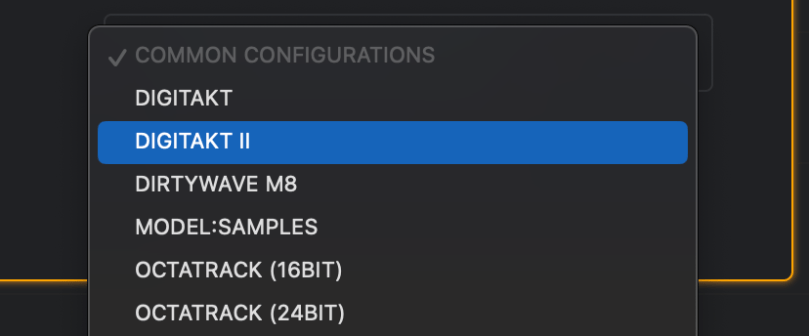
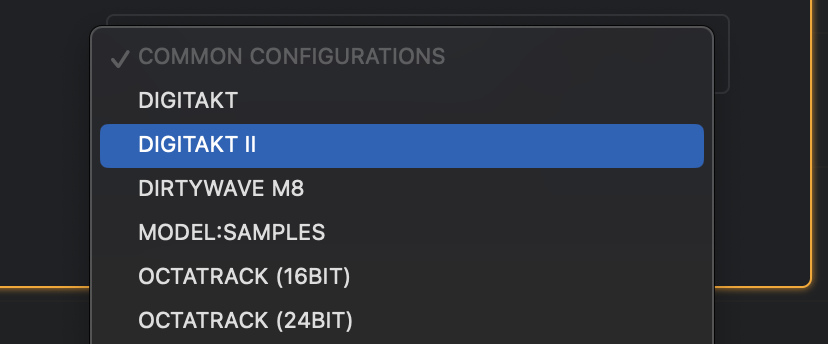
Add Tonverk common configurations in audio settings panel.
Added support for generating basic .elmulti Tonverk multi-sampler presets to act as slice chains.
Fixes bug where turning seconds per file on, did not turn off spaced chain mode resulting in no chain download button being shown to the user.
Changed the default naming convention for chain names to be shorter text and correctly pad the chain number when creating many chains at once.
New option in the settings to use the date epoch at time of creation number instead of the name of the first sample in the chain.
Thanks to all those who submitted feature requests and bug reports, got a lot of long standing bugs squashed in this one!
While I’ve been a macOS user for many years, I’ve never really got into using the native developer tools, and instead have relied on JavaScript for anything interactive, and C for command line apps and such – recently, I’ve been learning Go as I wanted to have something quick to write in like JS, but performant like C, and while I’ve been finding Go really good, it doesn’t give me a great route to a UI; Wails shows great promise, and I’m eagerly awaiting the final release of v3 after doing some testing with DigiChain wrapped as a native app using Wails (I’m still on the fence here, while I don’t particularly enjoy writing in Rust, Tauri feels much more mature at the moment than Wails).
But to bring this post back on track, I stumbled across the hackingwithswift website, which got me looking at using Swift, and in particular SwiftUI – which as a frontend developer for many years, feels a lot like React in how things are structured.
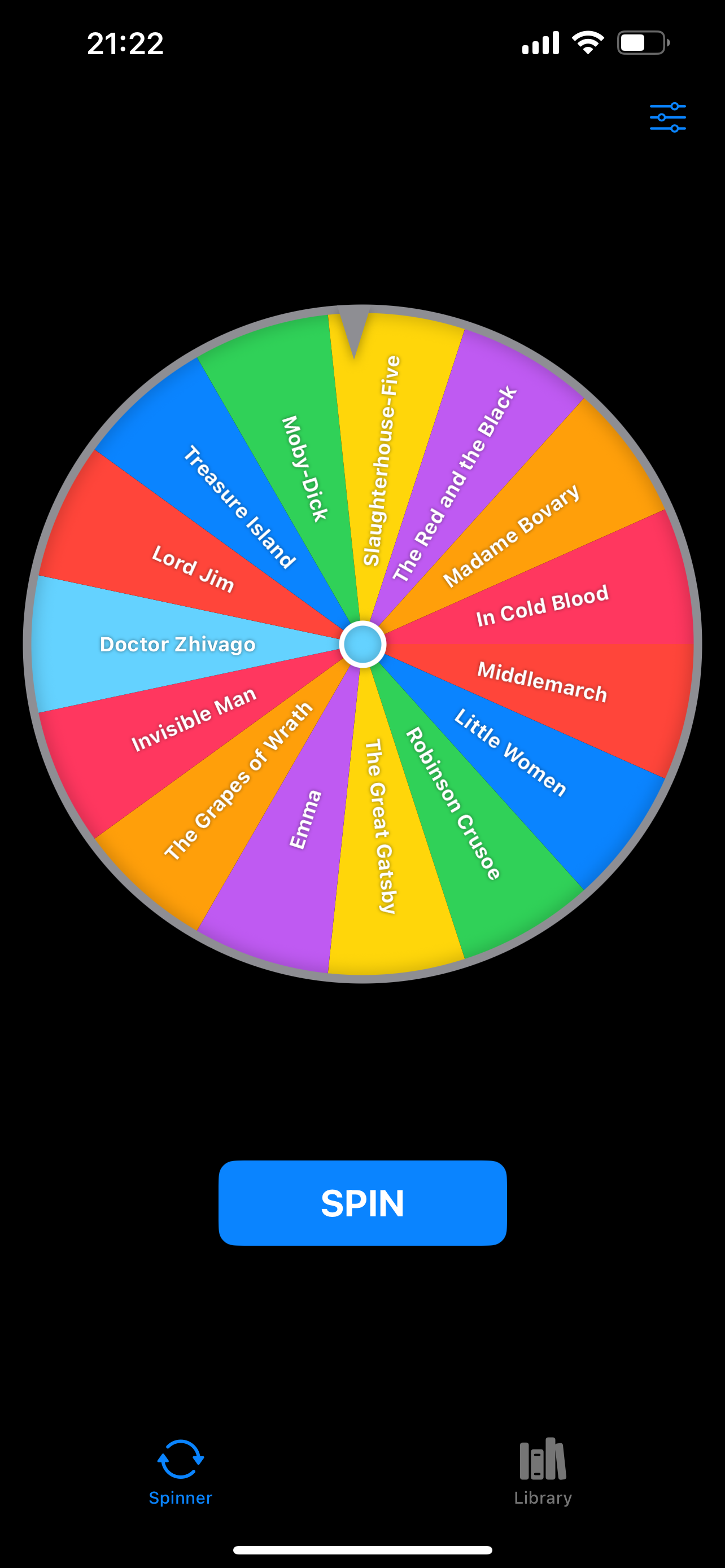
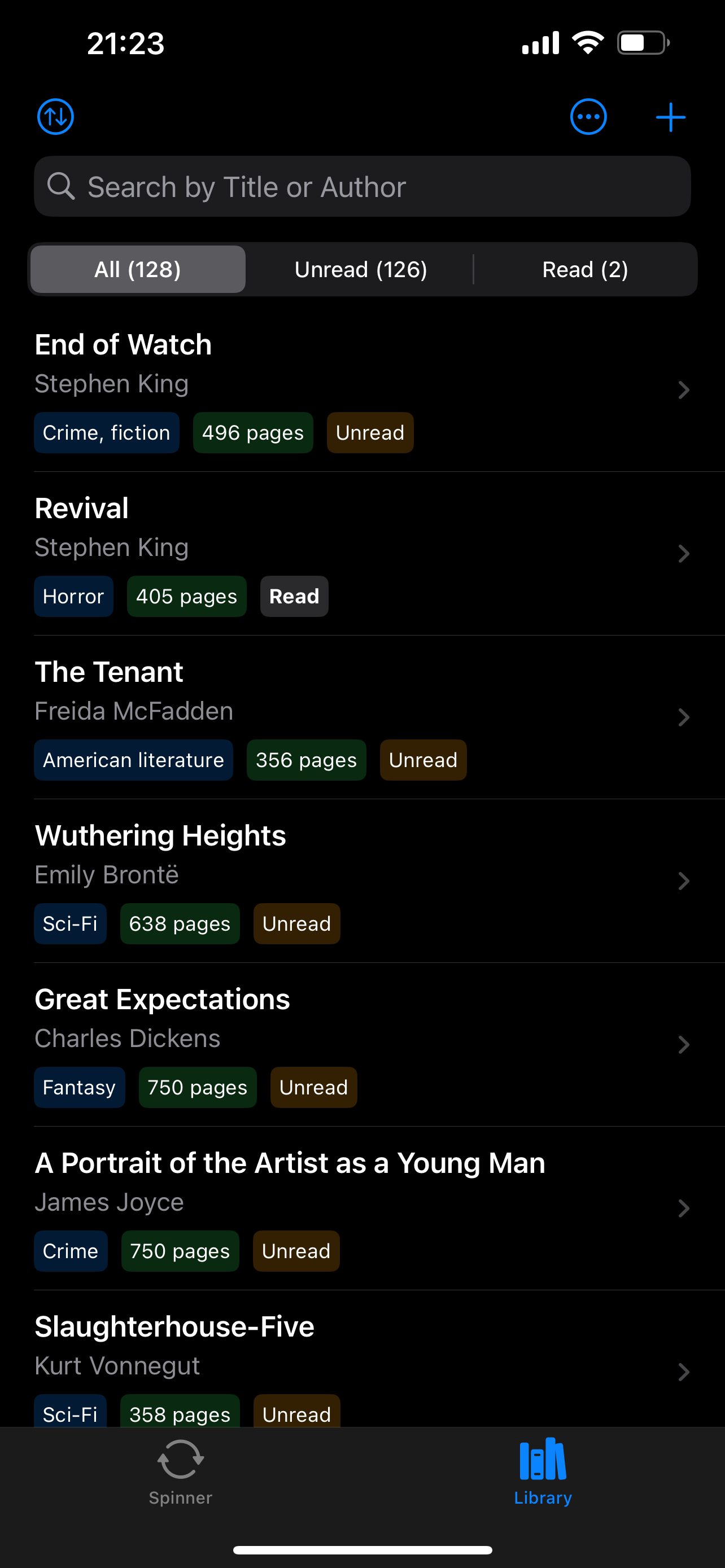
So, after a few weeks of the 100 days of SwiftUI tutorials and several demo/learning apps with Swift Playgrounds, I felt ready to attempt to create a small app – my wife had an idea for something that seemed relatively simple to make and with a small focused usecase, a “spinner” app, where the user enters their books into a library, and the app places the books onto a spinning wheel to pick a book at random to read next.
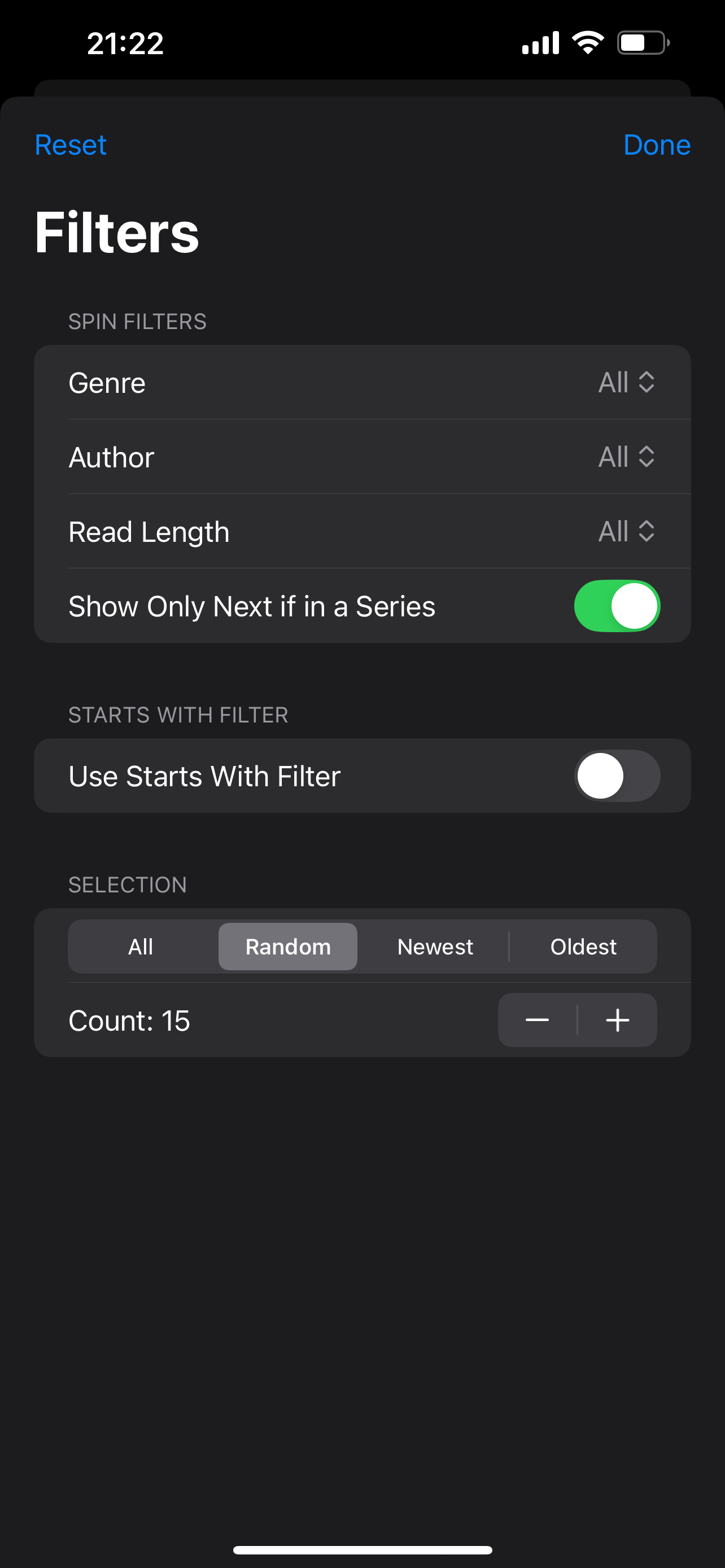
What started out fairly simple, quickly crept in scope, adding filters for challenges, like authors first or last name starting with a specific letter, or genre and read length to only showing the next unread book in a series to prevent the spinner giving out of order book choices.
I then hooked this into the openlibrary API to support ISBN book barcode scanning to attempt to autofill the book details.
There were a couple of rounds of changes to meet Apple’s expectations, but from 17th July to today, I went from initial idea to published on the app store in 14 days.
The main URL has been updated with quite a lot of new features and bugfixes – lots in here such as session import/export, much improved waveform rendering both visual accuracy and time to render, OP-X kit builder, OP-XY drumkit preset generation (turn your existing chains into XY compatible presets).
v1.5.0
Show loading overlay until async sample processing has completed to prevent multiple calls to renderList before the list is ready.
Style tweaks to support rendering within itch.io windows.
Enhanced waveform rendering accuracy and performance (thanks to boourns · GitHub for the pull request).
Dither exports option when outputting 8/16/24 bit wav or 16 bit aif files.
Added user feedback on sample load processing.
Improved responsiveness of list with large numbers of samples loaded.
Reduced file processing load times.
Added a welcome screen with some usage guidance, tips, and link out to documentation page.
Show the length in seconds of the sample being edited on the editor.
Support importing samples and slices from Renoise Instrument files (.xrni) in addition to sample data from Renoise Project files (.xrnx).
Mini-waveform renderer no longer builds waveform cache when skip render is enabled.
Prevent default event bubbling on keydown events for handled keyboard shortcuts, stops ‘funk’ noise on macOS for valid shortcuts.
Improved creation of OP-1 Field / OP-Z chains, nudging end to zero crossing per slice if one is present in the last 256 samples.
OP-1 Field / OP-Z exports now default to one-shot play mode.
Shift + click on Pad With Zero selected action allows entering a custom value to pad the sample(s) with in seconds.
Config option, treat slice data in files as distinct files on join – defaults to YES, when set to YES, if a file contains slice data or has had slice data configured those slices will be represented as distinct files when creating new chains that include those selected slices; when set to NO, the per-file slices will be discarded when joined to new chains.
Moved about pop-up into unified audio config, settings, about panel.
Supporting the import and export of digichain session files.
Using a custom dialog instead of the browser built-ins to handle user prompts/confirmations.
Moved browser based alert messaging into a toast style notification that displays at the top center of the active window or dialog.
OP Export UI for creating drum kits for OP-1 Field and OP-XY via a drag and drop key layout.
OP Export supports combining samples on Left / Right / Center to more easily create A/B kits for use on the Field.
Chains / Spaced Chains buttons now do not both display, they are toggled via the new Chain Type toggle icon.
Rendering created chains to the top of the list instead of out to a downloaded zip file (the Shift + Click button action), is now toggled from an icon.
XY preset rendering toggle icon, when enabled, chains are created as XY Preset folders in the output zip, max 24 slices and samples longer than 20 seconds will be automatically truncated.
Invert phase selected action.
Flip L/R selected action, switched the left and right channels around.
Editor waveform height adjustment control (height retained as setting).
Crop keyboard shortcuts in the editor, Shift+Click to crop to a new sample, staying in the current sample; Shift+Ctrl+Click to crop to a new sample and open that new sample in the editor.
Bug fixes:
Delayed list rendering bug when removing all selected samples.
When a waveform is too short to render a valid mini-waveform, the renderer replaced the parent dom node, causing a dom tree layout issue, this is now fixed.
Sanitize name selected action.
When restore last used audio config is set to off, the text label of the audio config indicator was blank.
Where canvas element replacement threw an error when slicing to samples from the slice panel with skip render waveforms enabled.
Toggling the max-seconds per chain option de-selected all samples.
XY common configuration no longer sets the seconds time limit per chain to on.
OP Export renders at the target sample rate for XY presets and 44.1kHz regardless of the target sample rate for OP-1 Field kits.
Play-head was not displayed when playing the highlighted sample in the list using the P key keyboard shortcut.
Only positive buffer values were being removed in the condense action.
Edit panel not consistently closing when using the Escape key.
Smoothing on fuzz selected action caused peak spikes on some sample material.
Setting DT / DT II / XY / M8 / OT did not toggle the spaced / xy settings and icons when using the common configurations options.
Slice panel waveform did not show when no slices were set (regression fix from edit panel renderer changes).
Update to v1.4.16 – bug fix release and a few new selected actions such as shift and file name sanitization and the groundwork for the OP-XY drum patch creation that will be coming soon in the next release.
Nudge Crossings selected action, nudges all zero crossings off from zero.
Pad with Zero selected action, adds a zero sample to the beginning and end of each file.
Shift selected action, moves the sample start position over 50%.
Fixed bug where resampling the list when changing the working sample-rate caused the loop point to be set on .ot slice metadata.
Support for reading slice data from the Sonicware LoFi-12 XT custom header data.
Added common configurations for Sonicware LoFi-12 XT (12/24 kHz target sample rate).
Added common configurations for Teenage Engineering EP-133 / EP-1320 mono/stereo.
Fixed some browser specific UI element positioning quirks.
Added de-serialize from mono L/R back to a stereo sample selected action (halves a mono sample and puts the first half on the left channel, second half on the right).
Prevent slicing by transient assigning an ot meta loop point flag.
Added button to set a custom slice count on the slices panel.
Change default chain names to not contain _ or [ ] chars.
Turn off embed slice data config option by default.
Use Cue markers as preferred slice data storage within the wav file data.
Minor wav encode bug, the cue chunk size property should be 8 bytes less than the total chunk byte length, not 4.
Turn on/off .ot file export options when choosing the ot common configuration on the audio config panel.
Add OP-XY to common configurations, as this uses wav files as the primary file type.
Sanitize Names selected action to format file names to align with the guidelines for successful MTP transfer to Teenage Engineering OP-XY filesystem.
Amplitude threshold condense selected action, enter an upper and lower amplitude value (between 0 and 1), the sample will be modified to only include amplitudes within the given range, gaps between the audio is removed condensing the sample size.
Ctrl + Click on Filename column header to sort the list by numeric filename content only.
Improved drop file order consistency.
Allow dropping mp3 files.
If sample has slice information, the slices will be shown on the waveform when the slice panel opens.
Support multi-touch for selecting/deselecting samples.
Minor UI bug fixes, scaling, responsiveness improvements on button interactions.
Added basic error catch in the joinAll method to help surface chain build errors.
User alert for userAgent version checks to inform users if their browser is of a minimum supported version for the browser API’s used.
Fixes bug when in the sample editor, and snap to zero was enabled, if no zero crossing could be found on the end point, then browser tab would hang on short samples.
Fixes bug where an end point selected before the current non-zero start point with snap to zero crossing enabled, would result in a negative preview playback value causing looped playback preview in the editor to not play any audio.
Defaulting to 48kHz as the working sample rate for broader compatibility with built-in audio devices (continues to be user configurable in Audio Settings Panel, does not change if DigiChain has been used before as this is a restored setting).
If the sample list is empty, choosing an option from the ‘Common Configurations’ list will set both the Working Sample Rate and the Target Sample Rate to the same value.
When no samples are selected, clicking the chain buttons showed the processing overlay but did not remove it.
Selections won’t clear when changing the slice-grid values via the audio config panel (grid choice will still be set to OFF).
The download buttons will now visually indicate their clickable state.
Just in time for the launch of the Digitakt II, DigiChain gets a point update with a few bug fixes and feature updates.
Added Double selected action to add a copy of a sample to the end of itself for the selected samples.
Prev / Next buttons on the edit panel to navigate between samples without needing to close the edit panel and re-select from the list.
Cleaned up selected actions list, added overflow so list can scroll on mobile and flex to the width of the panel.
Shift + Ctrl/Cmd click stretch longest/shortest selected action to set the stretch length in samples instead of seconds.
Shift + Click on Trim Right button in editor, or selected actions, to also trim silence from the start (left) of the sample.
Changed the behavior of the grid size buttons, clicking will now set the grid size and keep the selection, to also change the selection is now the shift+click action; This is inverted from other versions, but has been a requested change by several users.
Shift + L will toggle the lists visibility, useful for simple chaining/conversion if loading a large number of files that can cause the browser dom rendering to slow.
Hide ‘Create .OT’ button on sample panel if target SR is not 44100.


 brianbar.net